
VIDEO FORMATS
HLS / M3U8 video downloader
videobunny can save supported on-demand HLS streams from a video page. M3U8 is the playlist format that points to video segments. The extension reads a valid source and processes its segments locally into a saved media file.
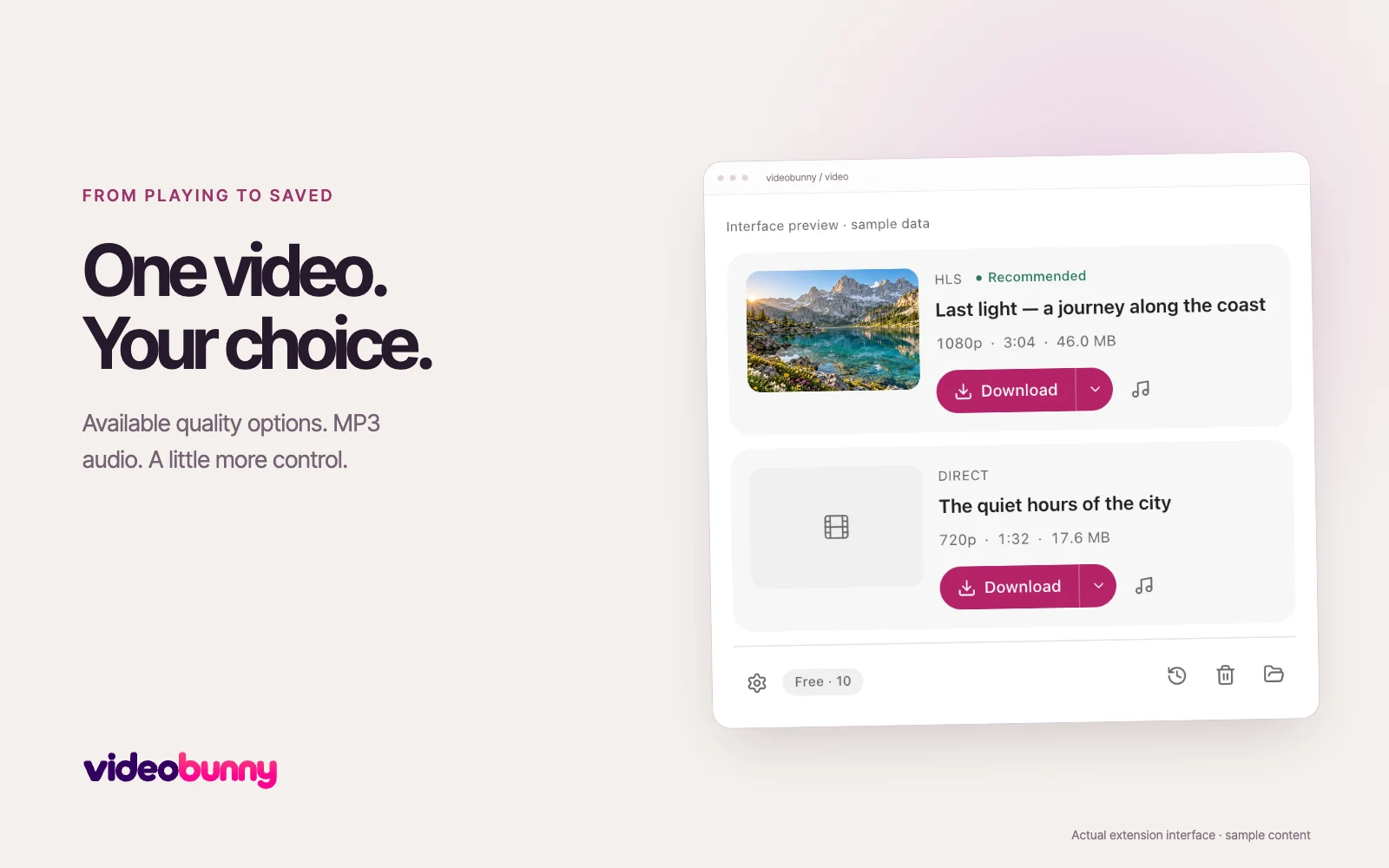
How HLS differs from a direct video file
A direct video is usually one media file. An HLS playlist describes many small media segments and can offer several quality levels. Some streams keep video and audio separate. videobunny processes supported tracks on your device rather than uploading them to a conversion service.
Download a supported M3U8 stream
- Open the source video page and start playback so the website loads its media playlist.
- Open videobunny and look for the matching HLS card. Choose an available quality with the arrow beside Download.
- Choose Download. Keep the source tab open while the segments are saved and processed.
Choose quality without downloading more than you need
Auto targets up to 1080p. Available resolutions depend on the playlist. The card shows the selected quality. Higher resolution and longer duration usually mean a larger file; a source with no alternative qualities cannot offer them.
When an HLS source cannot be saved
A signed media address may expire. A server can deny a segment, return an invalid playlist or require access available only to the source page. Reopen the page and try again. DRM-protected streams, live streams and YouTube downloads are not supported.
HLS uses the advanced allowance
A supported stream download uses an advanced download credit on Free. Failed and canceled attempts do not use a credit. See Plans or Settings for the current allowance and any temporary offer.