
AUDIO
Download audio as MP3
Use the music button beside Download to save a supported video’s audio as MP3. Its tooltip is Download Audio. Conversion runs on your device and requires a readable audio track that the browser can decode.
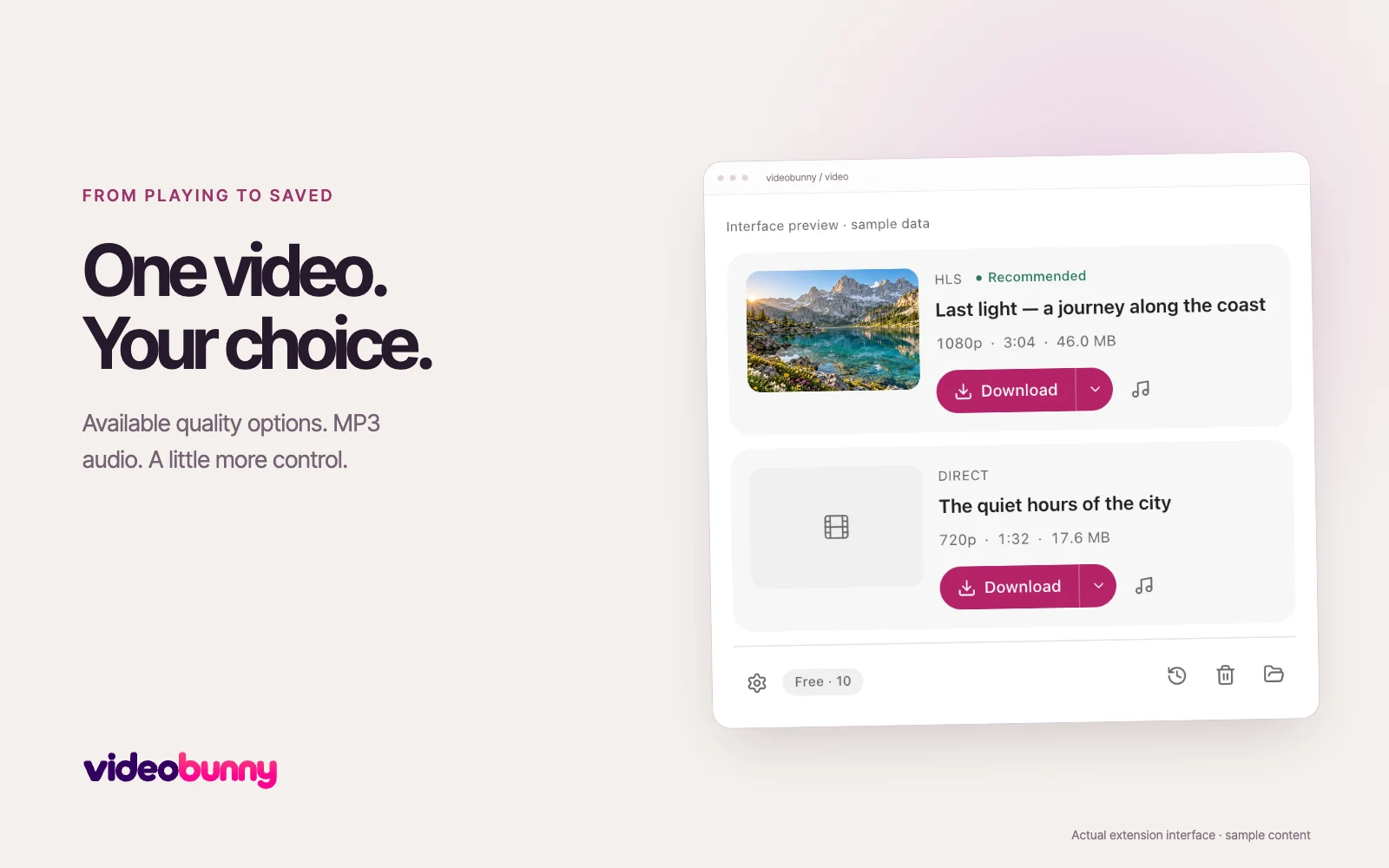
Save only the audio
- Play the source video, then open videobunny and find its matching card.
- Choose the music button beside Download. The tooltip reads Download Audio.
- Keep the source tab open until conversion finishes. The MP3 appears in your download folder and local library.
What can be converted
Supported mono and stereo tracks can be converted to MP3. The source must include an accessible audio track and your browser must be able to decode it. A silent video or an inaccessible audio source cannot produce a valid MP3.
Your audio stays local
videobunny obtains media from the source website and processes it on your device. Video and audio files are not uploaded to the membership service. An optional account connection is separate from media processing.
Audio downloads and Free credits
MP3 conversion is an advanced download. Current Free limits appear in Settings and on the Plans page. Failed and canceled attempts do not use a credit. YouTube, protected media and live streams remain unsupported.