
YOUR LIBRARY
A local library for downloaded videos
videobunny keeps a local library of your downloads in the browser installation that saved them. Play completed videos or audio, search display titles, filter by status and choose a frame for a video’s cover.
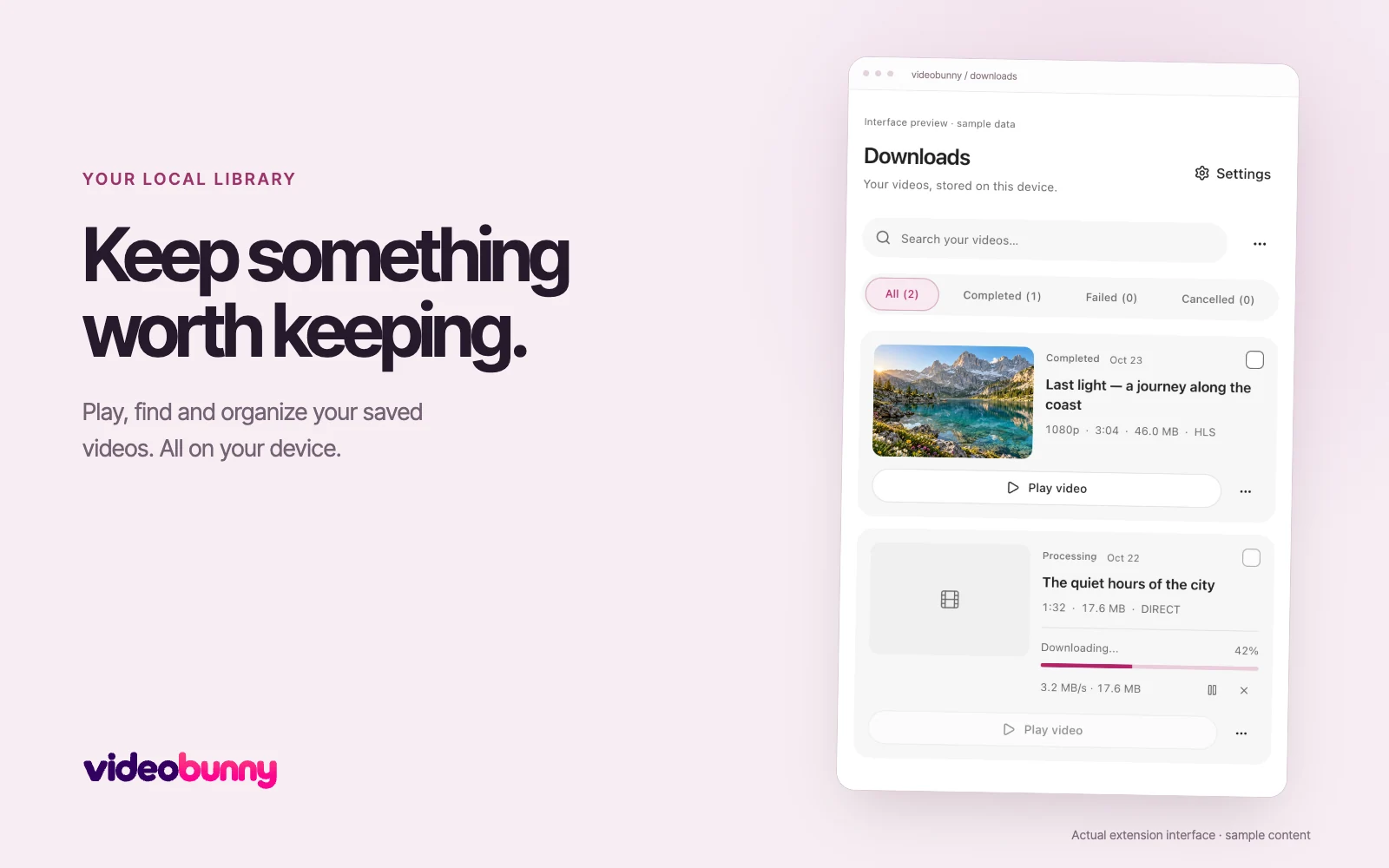
Find and play a download
Open Downloads from the extension. Cards show recorded quality, duration and file size when available. New downloads keep a local playback copy. Older records or missing files may ask you to select the saved file before playback.
Make the library easier to recognize
Use Edit title to change a display title without renaming the file on disk. Use Change thumbnail to choose a frame from a saved video. This changes the library cover, not the media file’s embedded artwork.
Return to the original page
The three-dot menu offers Open source page when the original page address is recorded. This opens the page you visited, rather than an expiring media server URL. Older records without a retained address cannot provide the link.
Understand storage and browser updates
The browser installation stores library records and playback copies locally. A normal extension update keeps that storage. A different browser or extension installation has a separate library. Removing the extension can remove its local data.
Clearing history is different from deleting a file
Clear history removes finished records and local playback copies while leaving files in your download folder. Delete permanently is a separate action that requires confirmation and file access. Keep copies of files you want to retain.